
Staff Answer
Aug 19, 2026 - 09:05 AM
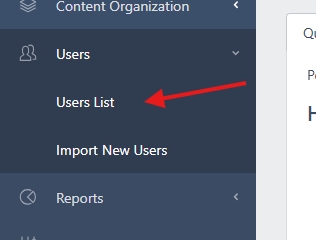
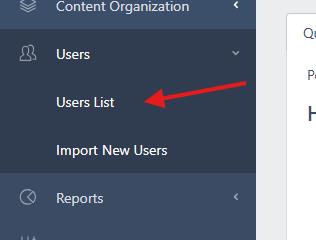
It's easy to add a new user, you can just go under "Users" in your administration navigation as seen here:
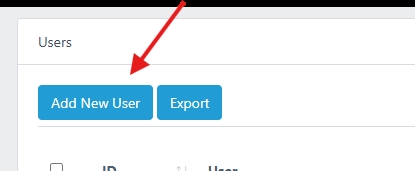
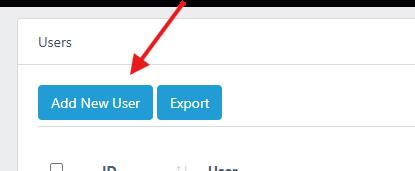
Then click to add a user as seen here:
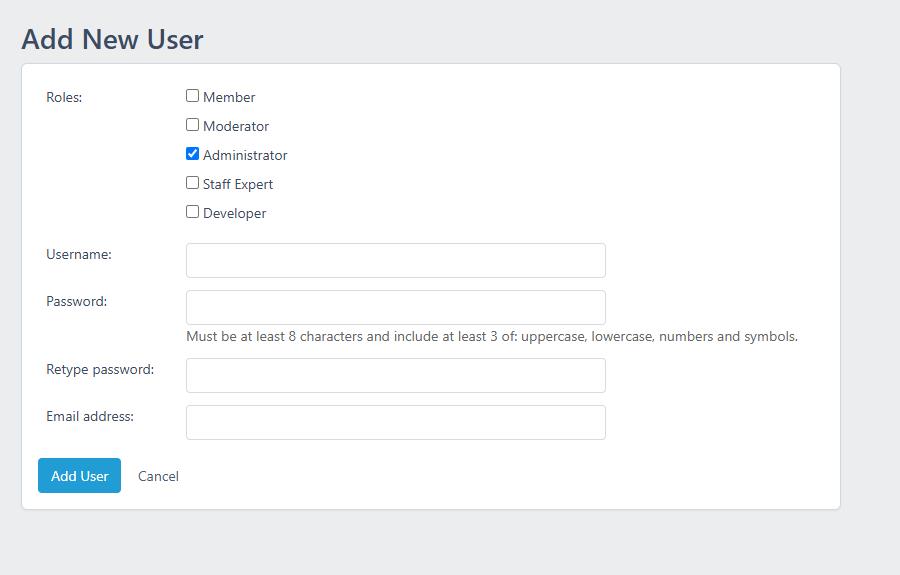
The next page is just a form to enter the details about the user as seen here:
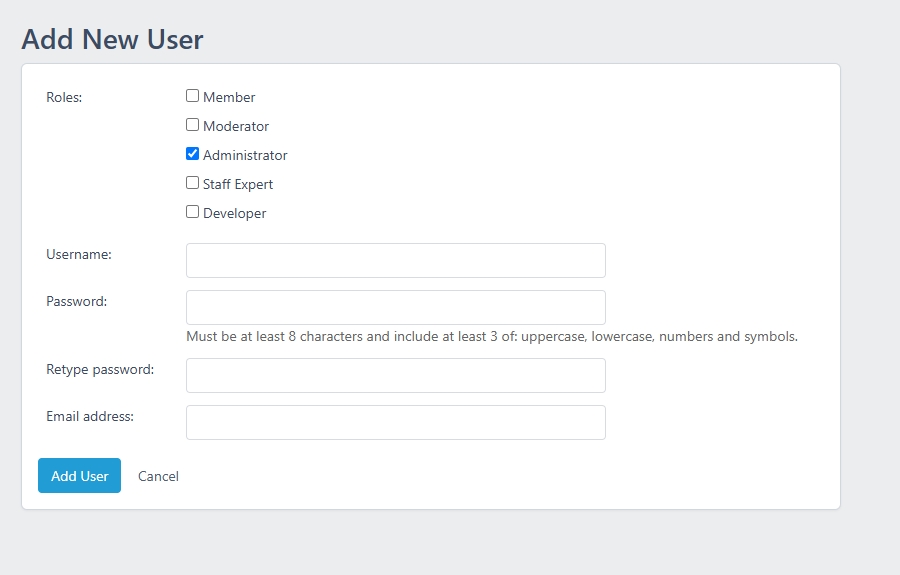
Then just select the role(s) that user should have (read more about the user roles), fill out the rest of the details...and you should be set.
You can see more about user management here.
Common Questions:
Then click to add a user as seen here:
The next page is just a form to enter the details about the user as seen here:
Then just select the role(s) that user should have (read more about the user roles), fill out the rest of the details...and you should be set.
You can see more about user management here.
Common Questions:
